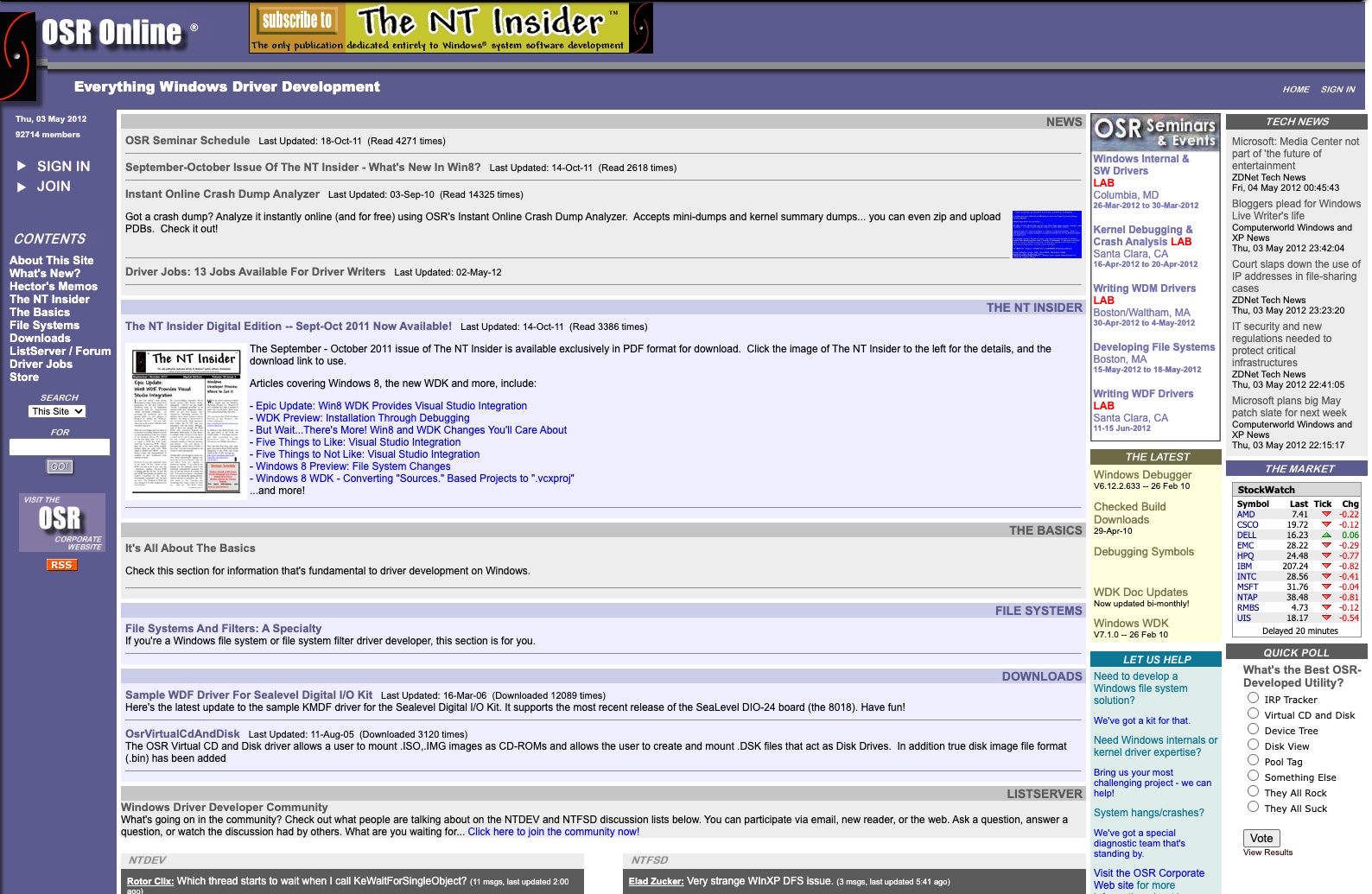
Gone!
Born in the era of Windows XP, looking forward to the promise of Windows Longhorn, OSR Online brought together driver developers from across the world. It was the world’s first non-Microsoft online resource for Windows driver development.
Created by OSR, the site shared information from our well-known Windows Driver Development and Windows File System Development seminars. It also served as a home for the NTDEV, NTFSD, and WinDbg communities for many years.
In 2016, OSR updated and consolidated the content from OSR Online, including the articles from The NT Insider, into its main OSR.COM web site. The NTDEV, NTFSD, and WINDBG communities then migrated to their own site at COMMUNITY.OSR.COM (where they are still active). At that time, the contents of OSR Online was archived as a static site.
As of May 2026, we retired the contents of OSRONLINE entirely. It was great while it lasted. But all good things must come to an end.
Visit the OSR Corporate site and our driver developer community where we continue to share lots of solid information and advocate for Windows driver and minifilter developers world-wide.